New Features
Inventory Item page filters retain filter selections after editing Items
Page filters on Inventory Items page will stick after editing Items.
Details:
When adding a filter on the Inventory Items page, PantrySoft will now retain the filter so it sticks if you make edits to an Item and return to the Item page.How to access:
Inventory > Items
Notes:
Filters are retained for as long as your browser is open. If you close your browser, you will need to reset the filters.
Account Eligible and Email Eligible columns on Client List
Filterable Account and Email eligibility columns are now available on Client List.
How to access:
Pantry > Browse Client
Details:
Organizations with eligibility settings turned on will now see Account Eligible and Email Eligible columns when looking at the Client List.

Basic Color Input
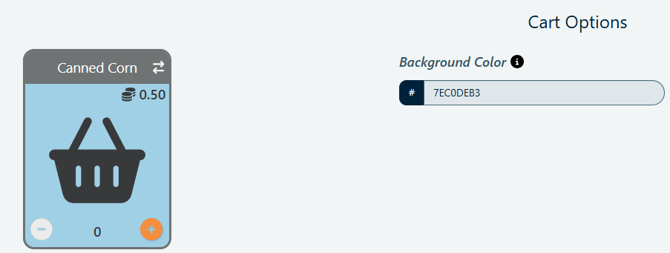
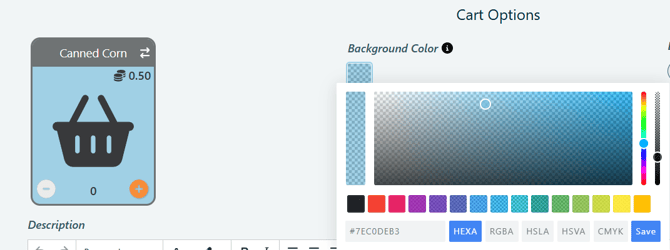
Setting gives Users control over background color for Items and Item Types in Cart Options.
How to access:
Setup > General Settings > Accessibility Settings > Basic Color Input

Details:
- When setting is set to No, you will be able to select the color using the background color selector.
- When setting is set to Yes, you will be able to type in the hex color code.